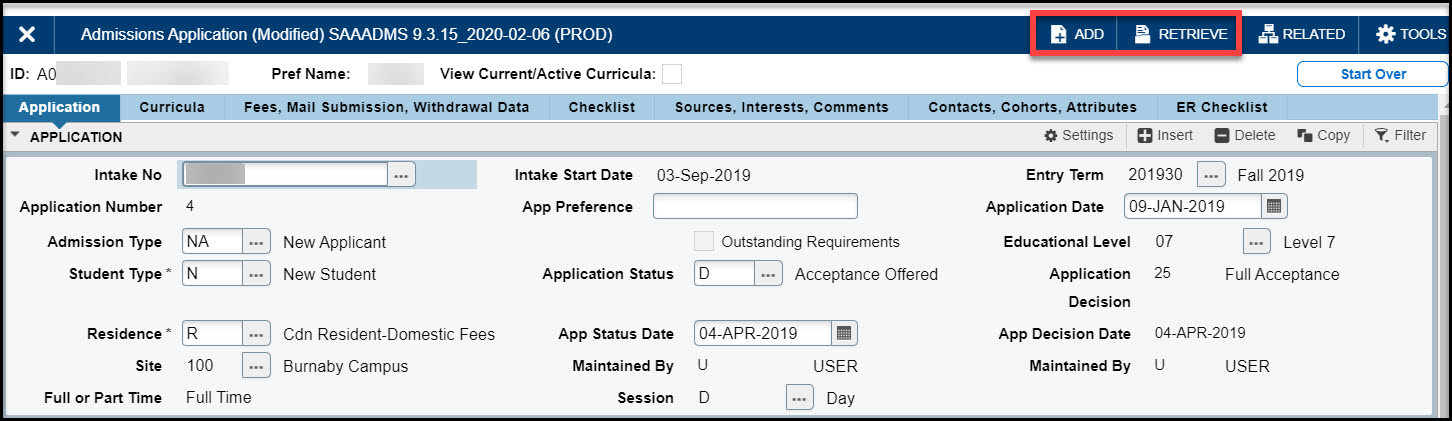
The following document provides basic information about Banner, directs you on how to locate Banner documentation, and answers some frequently asked questions.
Getting started with Banner

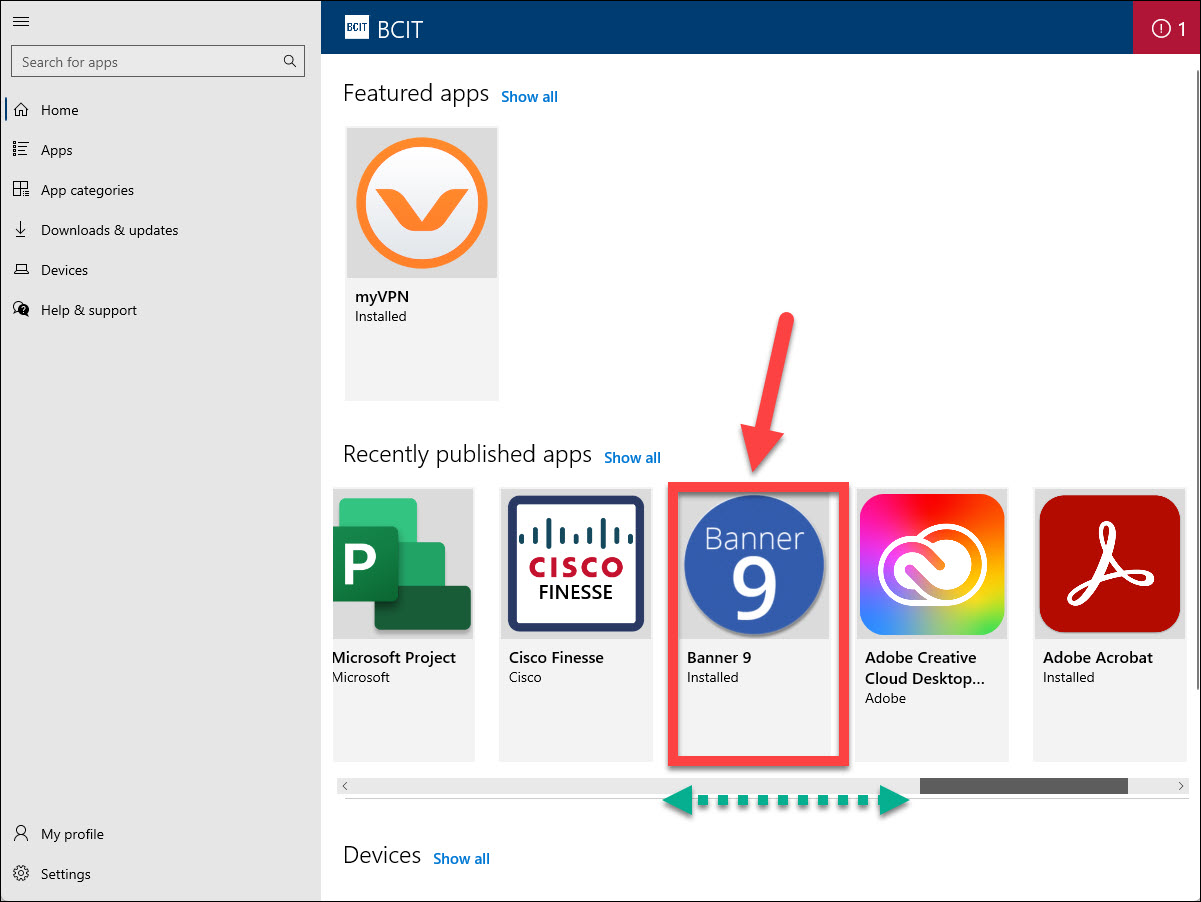
To access Banner, double-click the desktop icon. It will open in Chrome Incognito mode, where browsing history, cookies, and site data are not saved. Log in with your usual BCIT credentials (faculty & staff).
Note:
- Access to Banner is requested by submitting an IT ticket, which must be approved by your department manager or head.
- When working from home on a BCIT-managed laptop, you must ensure that you are connected to the VPN – GlobalProtect VPN